
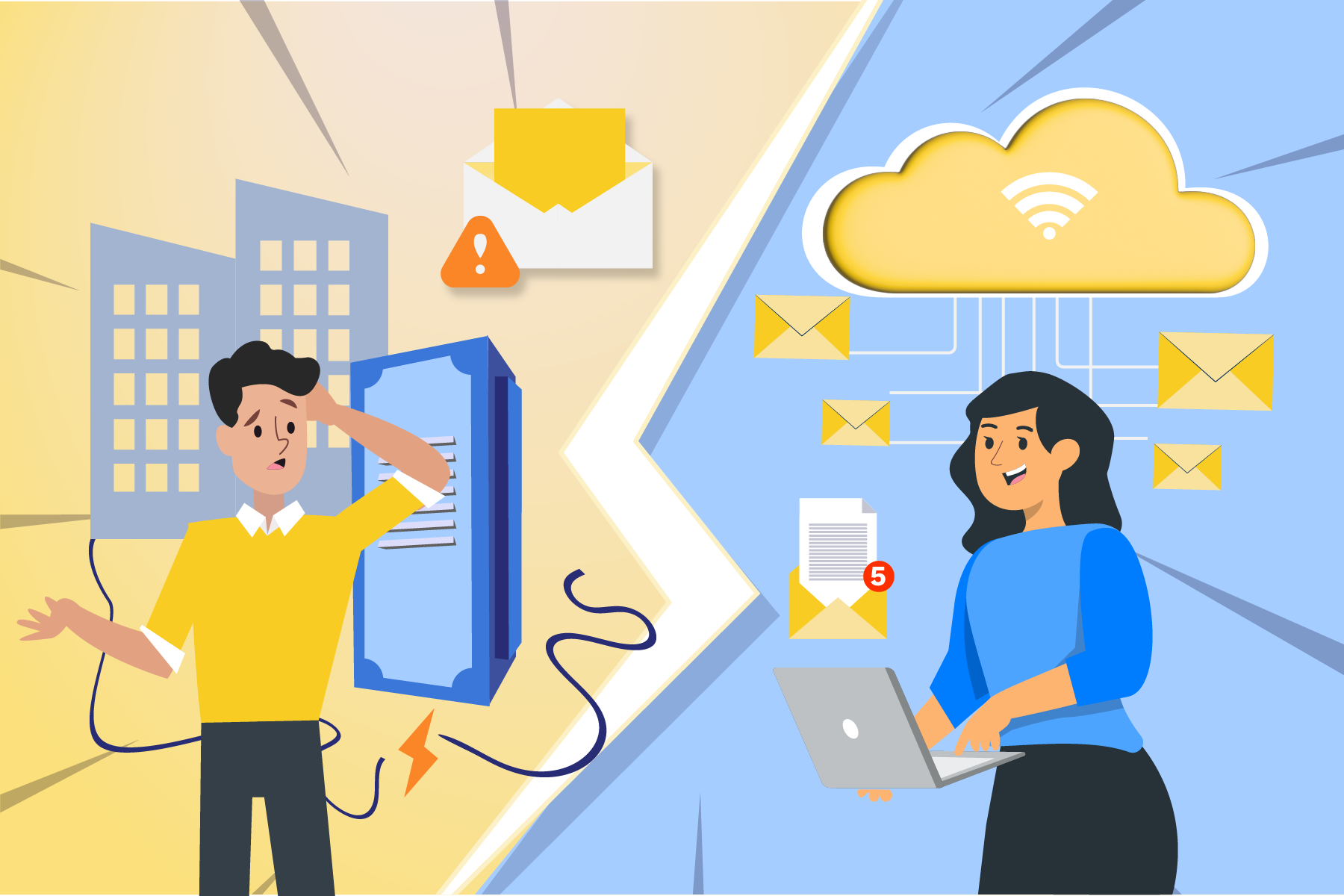
An increasing number of companies face the challenge of modernizing their email infrastructure. This is often driven by factors such as heightened security requirements, improved integration with cloud applications, or the end-of-life support and lifecycle of traditional email servers. An outage quickly highlights how critical a stable and future-proof email solution is for daily business operations.
Risks of an Email Outage for Your Business
What consequences can such an incident have for a company?


Even a single day without email can lead to significant losses in revenue, trust, and efficiency, especially if no fallback solution or emergency strategy is in place.
Hybrid and Cloud-Based
Email Infrastructure Offers Enhanced Security and Flexibility
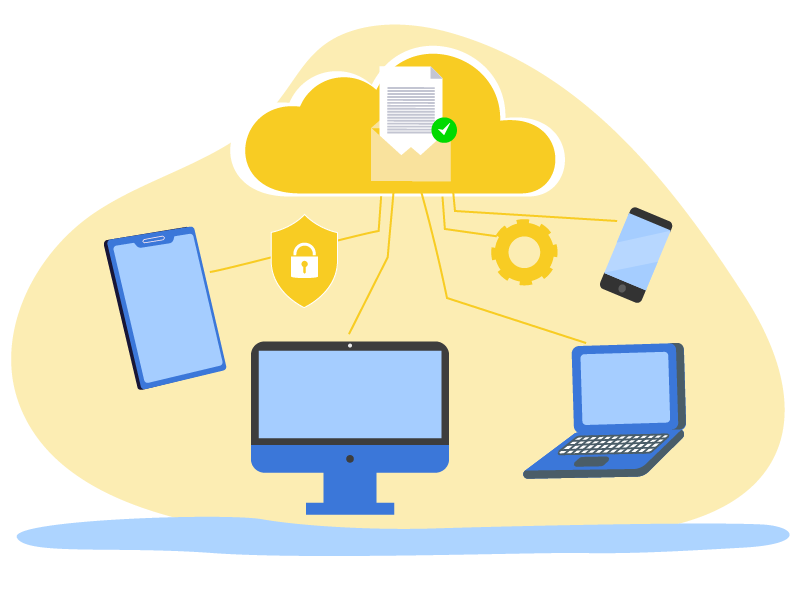
To prevent email outages and establish future-proof communication, many companies are adopting hybrid or cloud-based email infrastructures, such as Microsoft 365 or Exchange Online. These models offer numerous benefits.
5 Steps to a Future-Proof Email Infrastructure
With a clear roadmap, transitioning to a hybrid or cloud-based email infrastructure is well-planned and executable.
- 1
1. Location-Independent Access
Employees can access their emails at any time, regardless of their location, device, or VPN connection. This provides greater flexibility in daily operations and ensures communication continuity even during local office disruptions. - 2
2. High Availability and Redundancy
Professional cloud platforms provide redundantly designed systems with very high availability. Even in the event of a power or internet outage at the office, email access remains possible via mobile networks, home offices, or other locations.
- 3
3. Automatic Updates and Modern Security Features
Cloud-based email systems are continuously updated, incorporating the latest security standards, anti-spam and anti-phishing functionalities, and new product features. This significantly reduces the time internal IT must dedicate to maintenance and patching, allowing them to focus on higher-value tasks. - 4
4. Scalability on Demand
Modern email solutions effortlessly scale with your business. New mailboxes, additional storage, or further functionalities can be added flexibly, without the need for extensive hardware projects or complex expansion measures.
Already Invested in an On-Premises Solution?
Hybrid Offers the Best of Both Worlds!
Not every organization wishes to transition entirely to the cloud immediately. In hybrid scenarios, the existing email infrastructure is initially retained and intelligently supplemented by cloud functionalities. Hybrid email solutions combine on-premises email servers with cloud mailboxes. A portion of mailboxes remains local, while another portion is already hosted in the cloud. This approach allows for a gradual, controlled transition with reduced risk, without interrupting production.
Should an organization later decide on a full transition to the cloud, the on-premises email infrastructure can be decommissioned in a controlled manner. This involves a clean data migration, the integration of archiving solutions, and comprehensive documentation of the new environment.
Conclusion – Future-Proof Communication Requires
Modern Email Solutions
Whether cloud-only or a hybrid model, modern email infrastructures offer:
- Enhanced availability
- Greater flexibility
- Improved scalability
- and reduced manual maintenance for IT
Organizations that modernize their email infrastructure proactively not only secure their communication but also enhance their competitiveness and resilience to disruptions.
Your Next Step – Non-Binding Assessment of Your Current Status
Are you wondering how future-proof your current email infrastructure is and whether a hybrid or cloud-based model is suitable for your organization?
We are pleased to support you with a concise email infrastructure check:
-
Analysis of the existing environment
-
Assessment of risks and vulnerabilities
-
Recommendation of a suitable target model (On-Premises, hybrid, Cloud)
-
Roadmap for the next steps, including an effort assessment
If you wish, we can discuss your current status and available options in a non-binding consultation.
Simply send us a brief message, and we will provide appointment suggestions.
Is Your Exchange Server Expiring? Our Guide for an Upgrade
What is Exchange Server SE?
Exchange Server SE (Subscription Edition) is the next version of Microsoft’s on-premises email server. Instead of one-time license payments, Microsoft will rely more on its subscription-based license model. Companies will pay regularly for updates, security fixes, and support. This shift aligns with Microsoft’s recent trend of favoring subscription-based models.
Why do companies need to migrate to Exchange Server SE?
As of October 14, 2025, support for Exchange 2016 and Exchange 2019 will end, meaning that Microsoft will no longer provide security updates for these versions. Once support ends, any security vulnerabilities that arise will remain unpatched, making your infrastructure increasingly vulnerable to cyberattacks. Switching to Exchange Server SE is therefore essential to continue receiving regular support and security updates.
We are also happy to advise you on the alternatives!
Does the Exchange Server SE license model also have advantages?
Exchange Server SE provides companies with a reliable alternative to the previous versions. The subscription-based model ensures continuous support, regular updates and the necessary security for your IT infrastructure. Particularly important is the continuous protection against new security vulnerabilities, which is guaranteed by the subscription model.
How to successfully migrate from Exchange 2016 and Exchange 2019
Migrating from older Exchange versions (Exchange 2016 or Exchange 2019) to Exchange Server SE is not always as straightforward as Microsoft makes it out to be in their blogs. (See: Upgrading your organization from current versions to Exchange Server SE)
There are often technical and operational challenges that require careful planning.
Click here for the complete Exchange Upgrade Roadmap: Microsoft Exchange Upgrade Roadmap
We support you in the migration process!
If you want to migrate from Exchange 2016 or Exchange 2019 to Exchange Server SE, we can support you with our expertise. We can help you make the transition smoothly and securely and offer you alternatives if Exchange Server SE is not the ideal solution for your company.
With Exchange Server 2016 and 2019 reaching end of support this year, most organizations will need to upgrade to Microsoft Exchange Server SE (Subscription Edition). However, the upgrade path may seem complex, introducing new technical and organizational challenges.
In this blog post, we'll explain the different paths to ensure a smooth migration to Exchange Server SE.
For more general questions about Microsoft Exchange Server SE, please visit our article: Exchange Server SE explained – Help for the Upgrade.
Check out our flowchart, which highlights the most important steps and options. It will help you maintain an overview and show you exactly how to make the switch effectively and safely:
How to upgrade successfully – Our Exchange migration roadmap
Explanation of terms

Here the corrosponding microsoft Blog: Exchange Server Roadmap Update
We help with your Updates and Upgrades
We have developed an efficient, fast, and transparent method to carry out your server updates and upgrades with minimal downtime.
You can find a small insight into our methodology in our blog: Best Practices for Server Upgrades – How to Save Time and Money.
We are happy to assist you with your upgrade to Microsoft Exchange Server SE!



Leave A Comment